Remote Desktop
Full KVM control of any device from the browser. Multi-monitor, clipboard sync, session recording — no client software on the technician side.
7-day free trial · no card required
vmonitor gives IT teams and MSPs web-based remote desktop, terminal and file access to every managed device. Hosted and supported by Future Vision — there is no server for you to run.
Capabilities
Full KVM control of any device from the browser. Multi-monitor, clipboard sync, session recording — no client software on the technician side.
A real shell on any managed device, straight from the console. PowerShell, bash or sh — without juggling SSH keys and VPNs.
Browse, upload, download and edit files on remote devices. Push a patch to one machine or a whole device group.
Power on, reboot and take KVM control below the OS. Reach machines that are powered off, crashed or mid-reinstall.
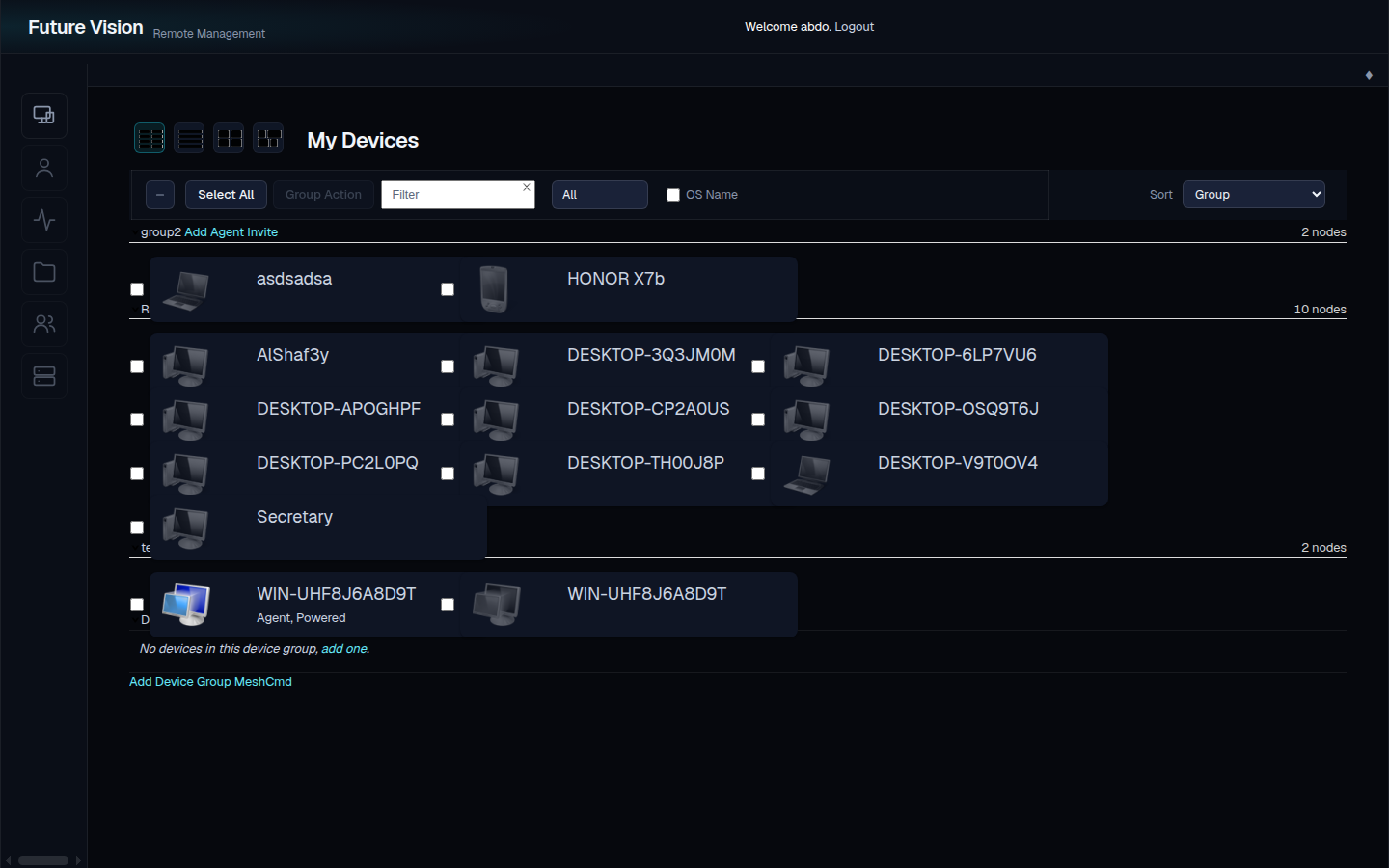
Live presence for the entire fleet, hardware and software inventory, and a full event stream with email and messenger alerts.
Two-factor sign-in with TOTP or hardware keys, per-group permissions, and an audit trail of every remote session.
How it works
Sign up with an email address and you are in the console within a minute. Nothing to install, no server to provision, no card for the trial.
vmonitor.ae → start free trial → verify emailGenerate a one-line installer per platform from the console. Agents connect outbound — no inbound ports, no VPN, NAT is not a problem.
msh installer → Windows · macOS · Linux · BSD · AndroidDevices appear in the console within a minute. Open desktop, terminal or files for any of them — from any browser, anywhere.
desktop · terminal · files · power · inventoryPricing
Start with seven days free — no card. Subscribe from inside the console when the trial ends and keep every device exactly where it is.
AED 3,750
per year · excl. 5% VAT
Two months free compared with monthly.
Start free trialRunning more than 50 devices, or need a fleet split across several sites? Ask us — larger deployments are quoted individually.
Security
FAQ
Seven days free, no card required. Enrol your first devices in minutes and subscribe from inside the console when you are ready.